Type Configuration Guide
This guide explains how to create a type from the admin application. A type defines a business object, such as a project, task, asset, or device. Users create instances from the type.
Create a type
-
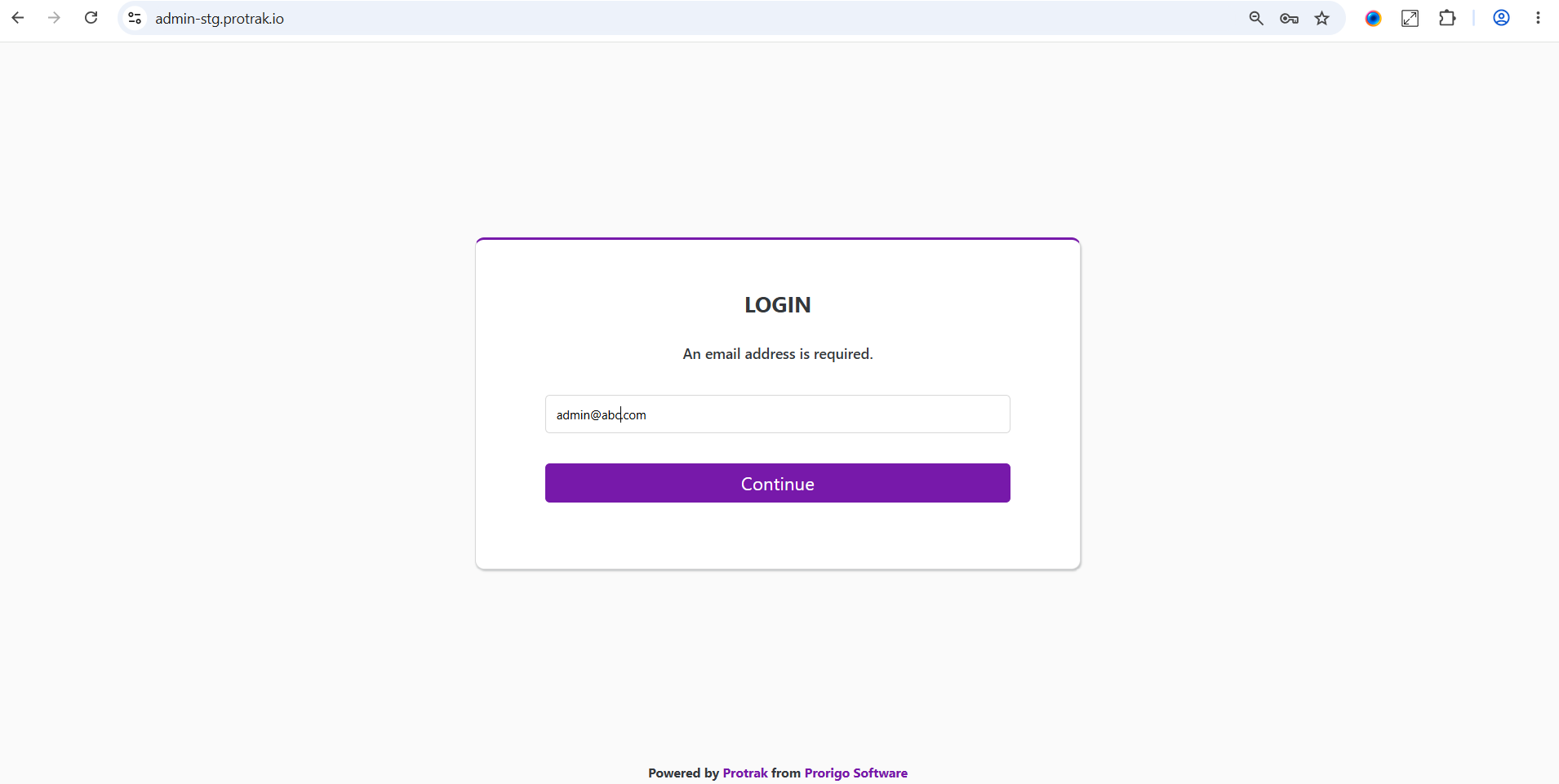
Sign in to the admin application with an administrator account.
-
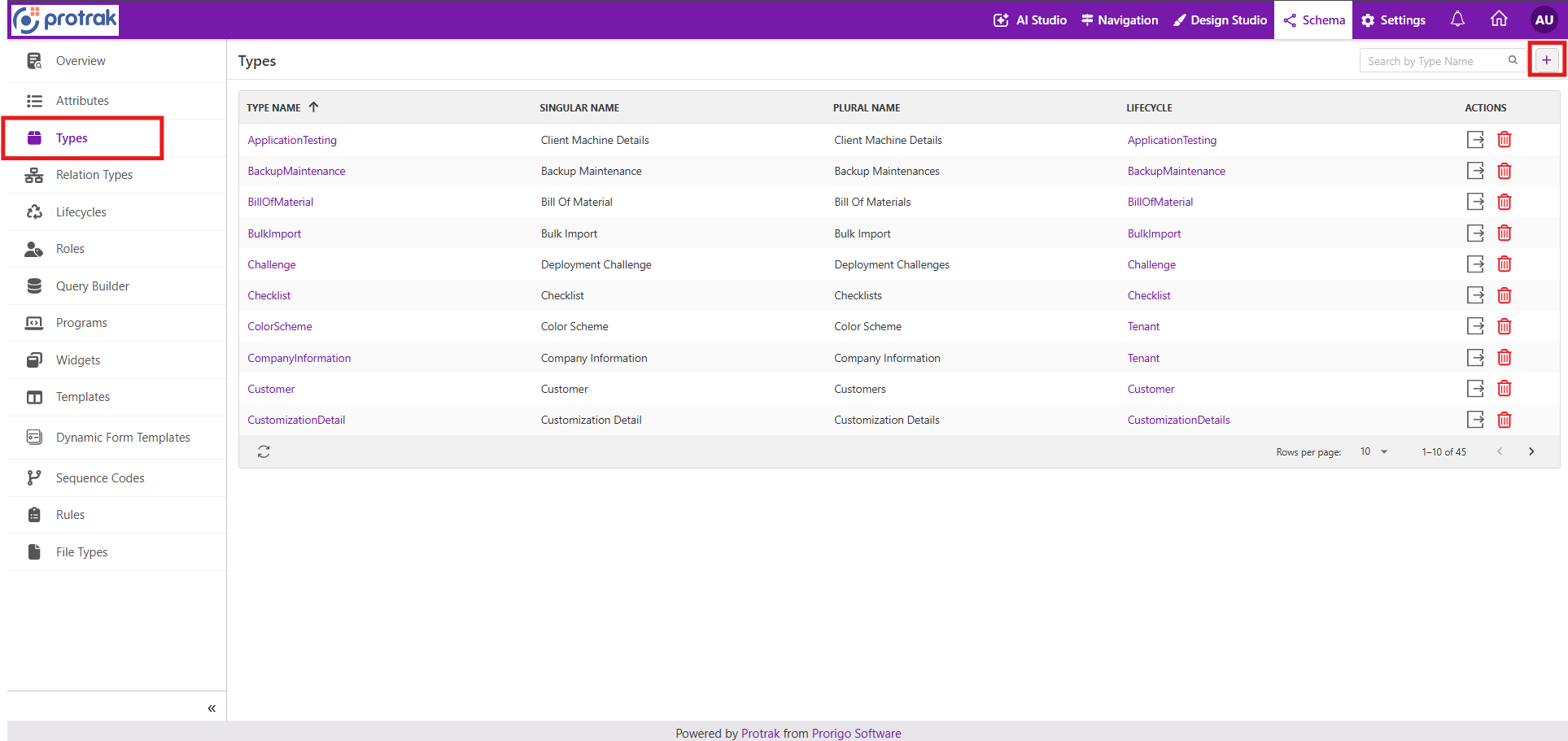
Open Schema, then select Types. Select Create to open the type editor.
-
Enter the type details.
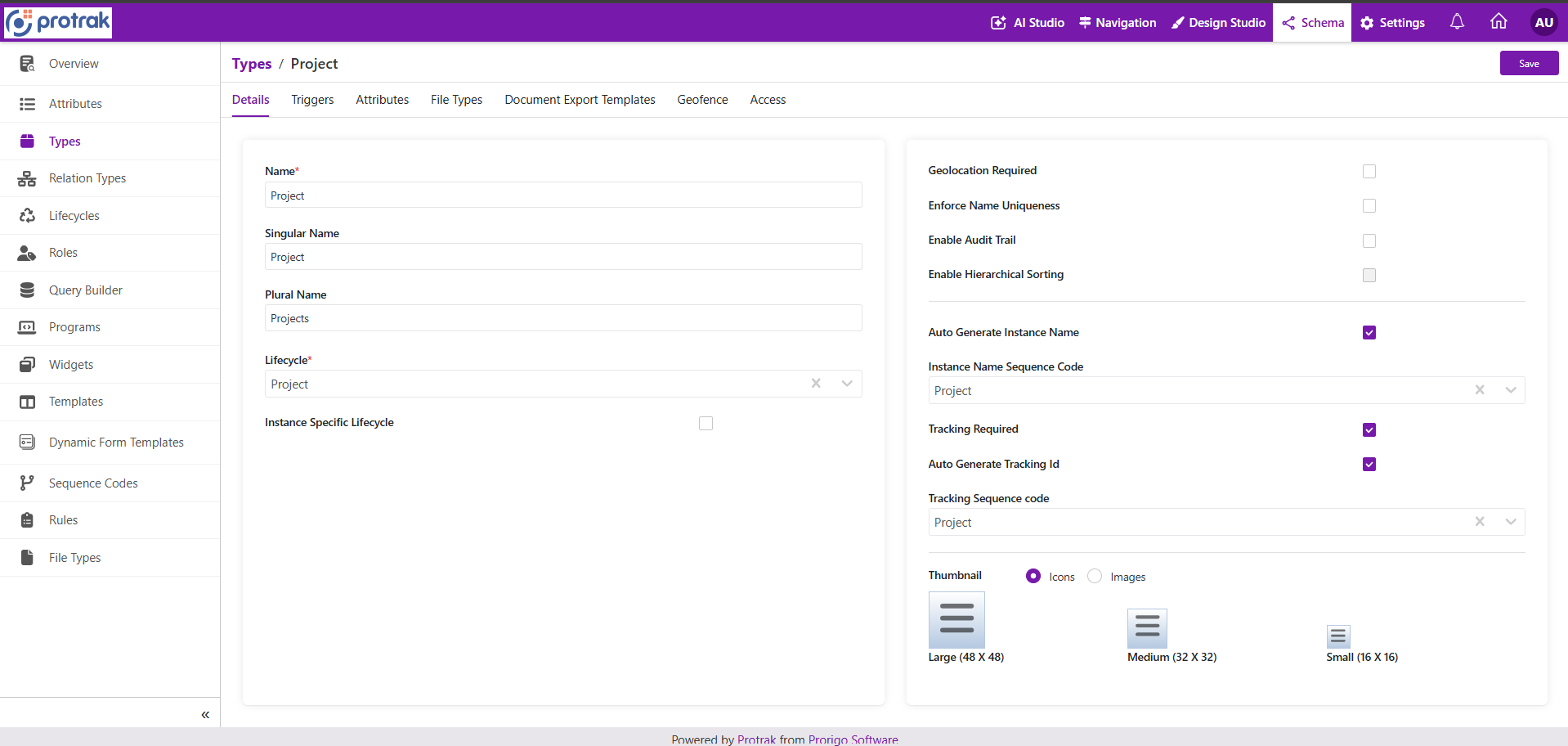
The Name field is required and can contain letters and numbers only. After the type is created, the name cannot be edited.
-
Configure the remaining details that apply to the type.
See Details for information about display names, lifecycle, generated names, tracking IDs, geolocation, audit trail, and thumbnails.
-
Open the Triggers tab and select any trigger programs that must run for type events.
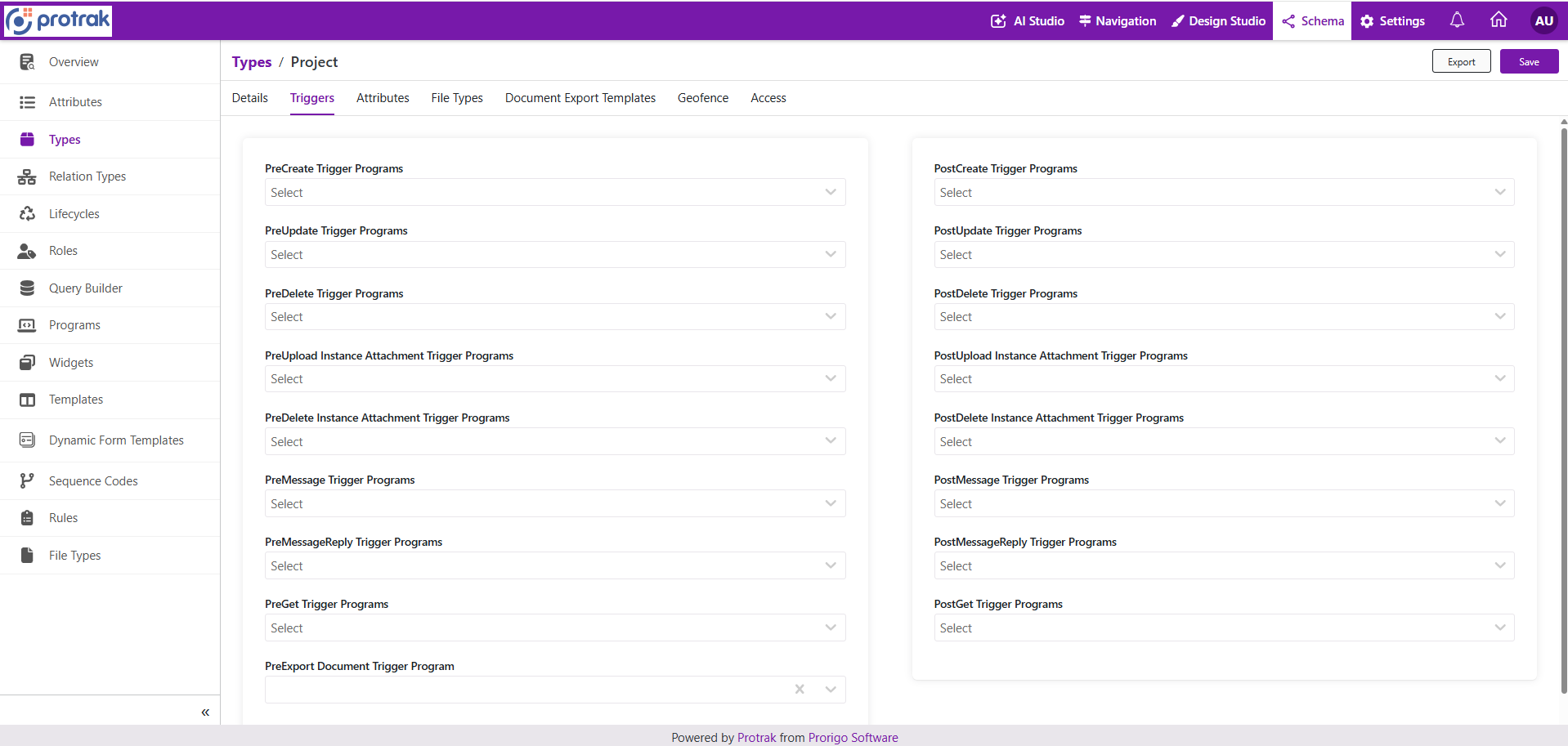
See Triggers for information about pre-create, post-create, update, delete, attachment, message, get, import, and document export trigger programs.
-
Open the Attributes tab and add the attributes for the type.
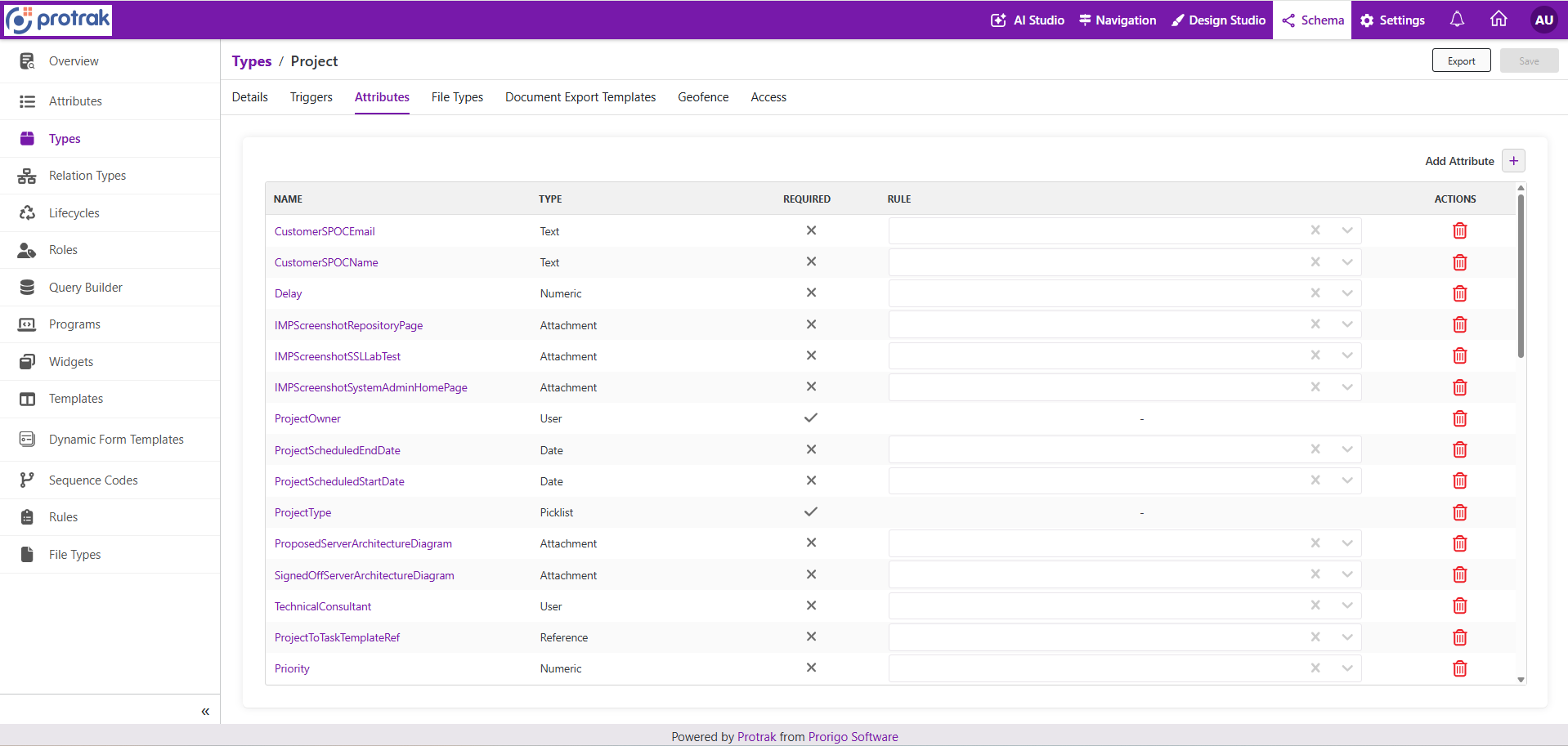
See Attributes for information about adding attributes and other configuration details.
-
Open the File Types tab and add the allowed file types when users can attach files to instances of the type.
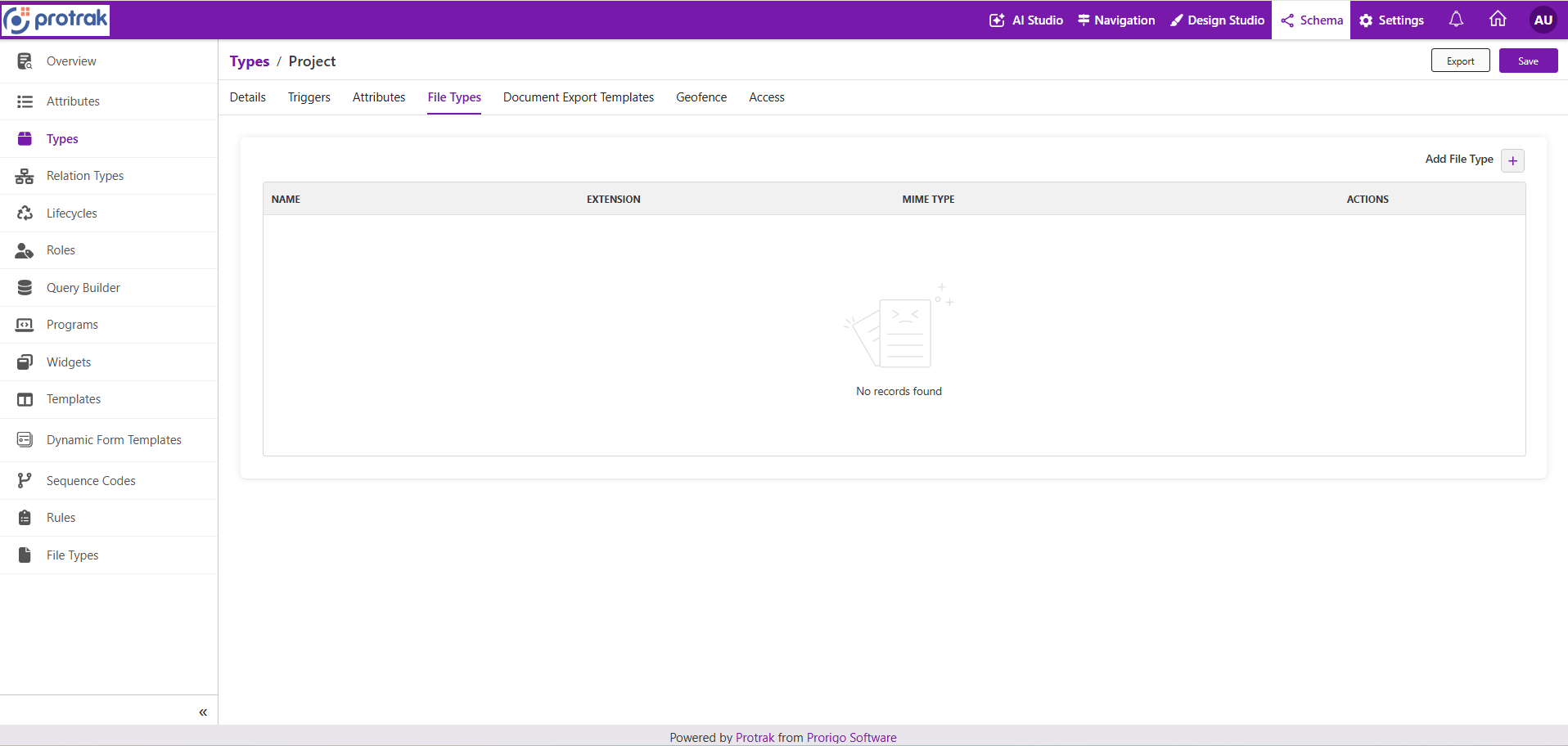
See File Types for information about file type associations.
-
Open the Document Export Templates tab and add templates when users need to export instance data into documents.
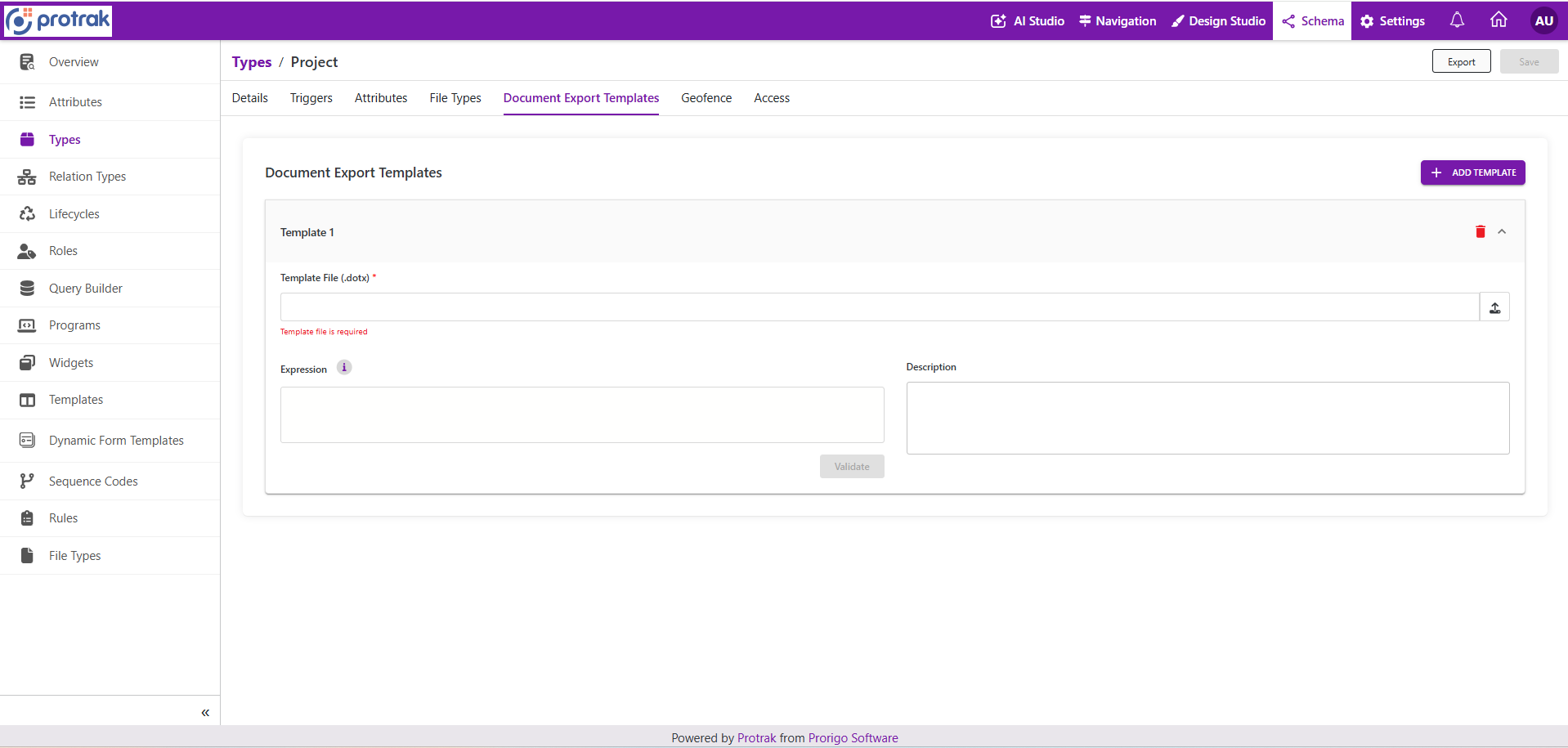
See Document Export Templates for information about template files, expressions, and descriptions.
-
Open the Geofence tab and configure geofence settings when the type uses geolocation events.
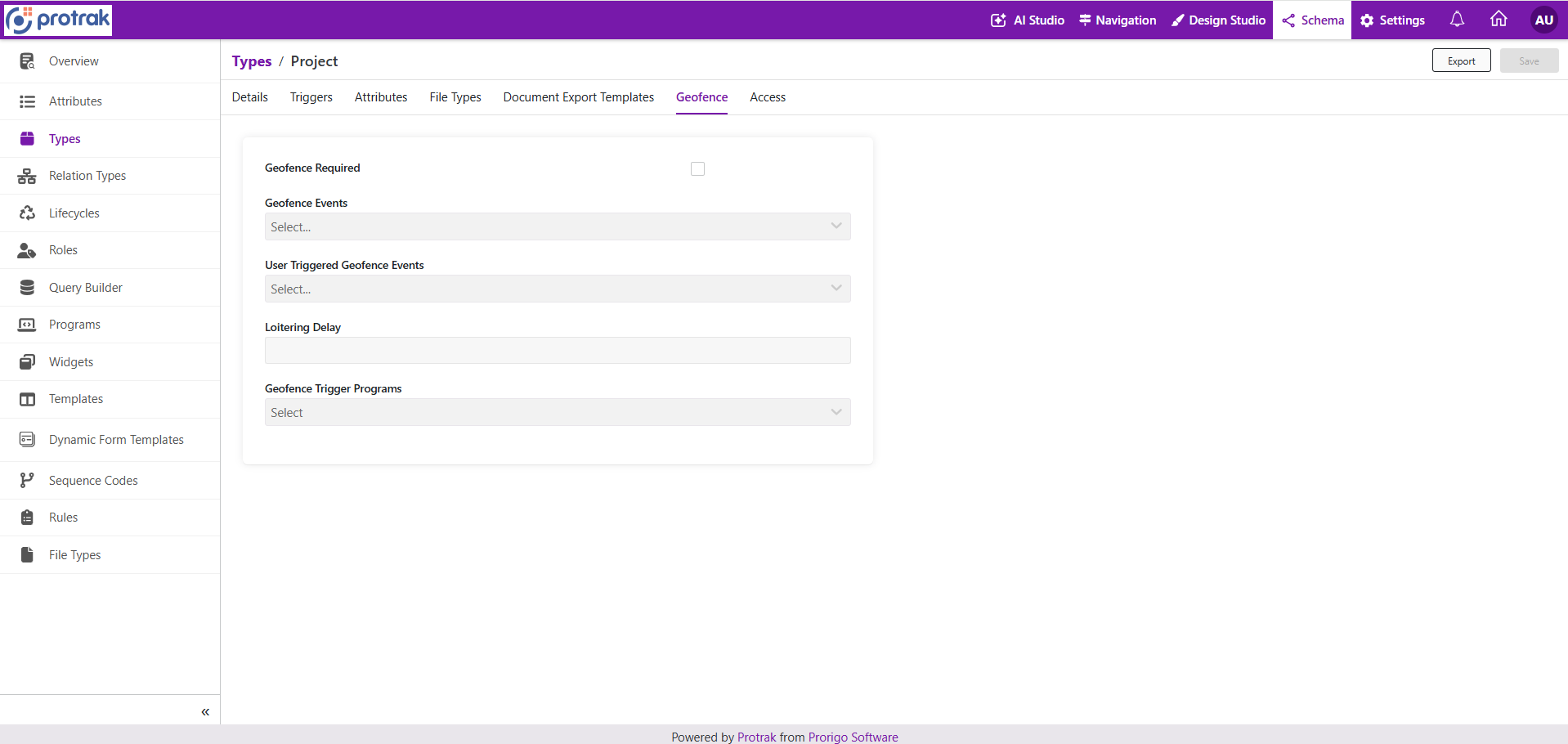
See Geofence for information about geofence events, user-triggered events, loitering delay, and trigger programs.
-
Open the Access tab and configure access for the type. This step is required.
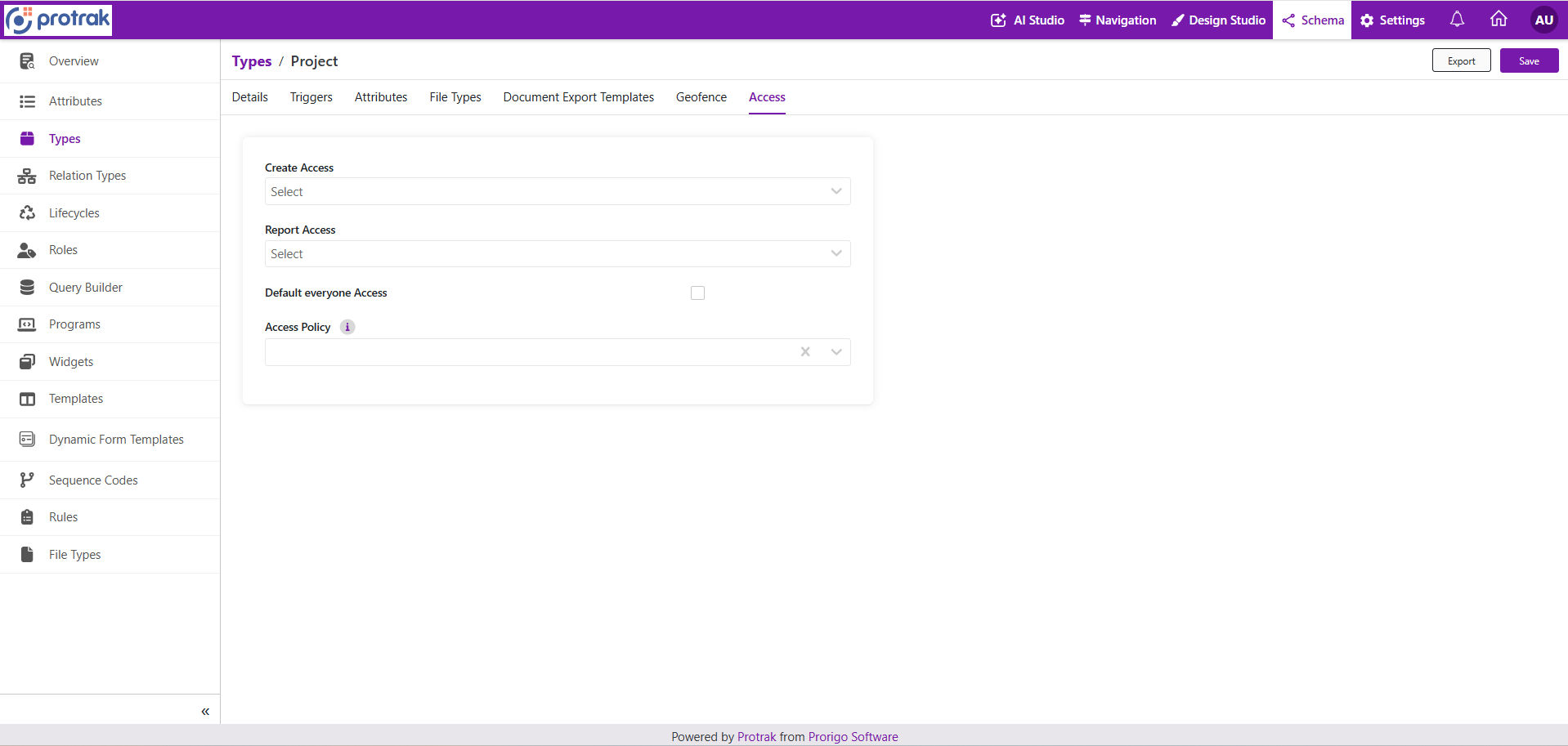 Select the roles that can create instances, the roles that can use the type in reports, the default everyone access behavior, and any access policy. See Access for more information.
-
Select Save to create the type.
Notes
- Attributes and Access are required before saving the type.
- Triggers, File Types, Document Export Templates, and Geofence are optional and depend on the type behavior.
- Use clear, business-friendly singular and plural names so the type is easy to understand for users and administrators.
- Verify the configuration after saving to ensure instances created from the type behave as expected.